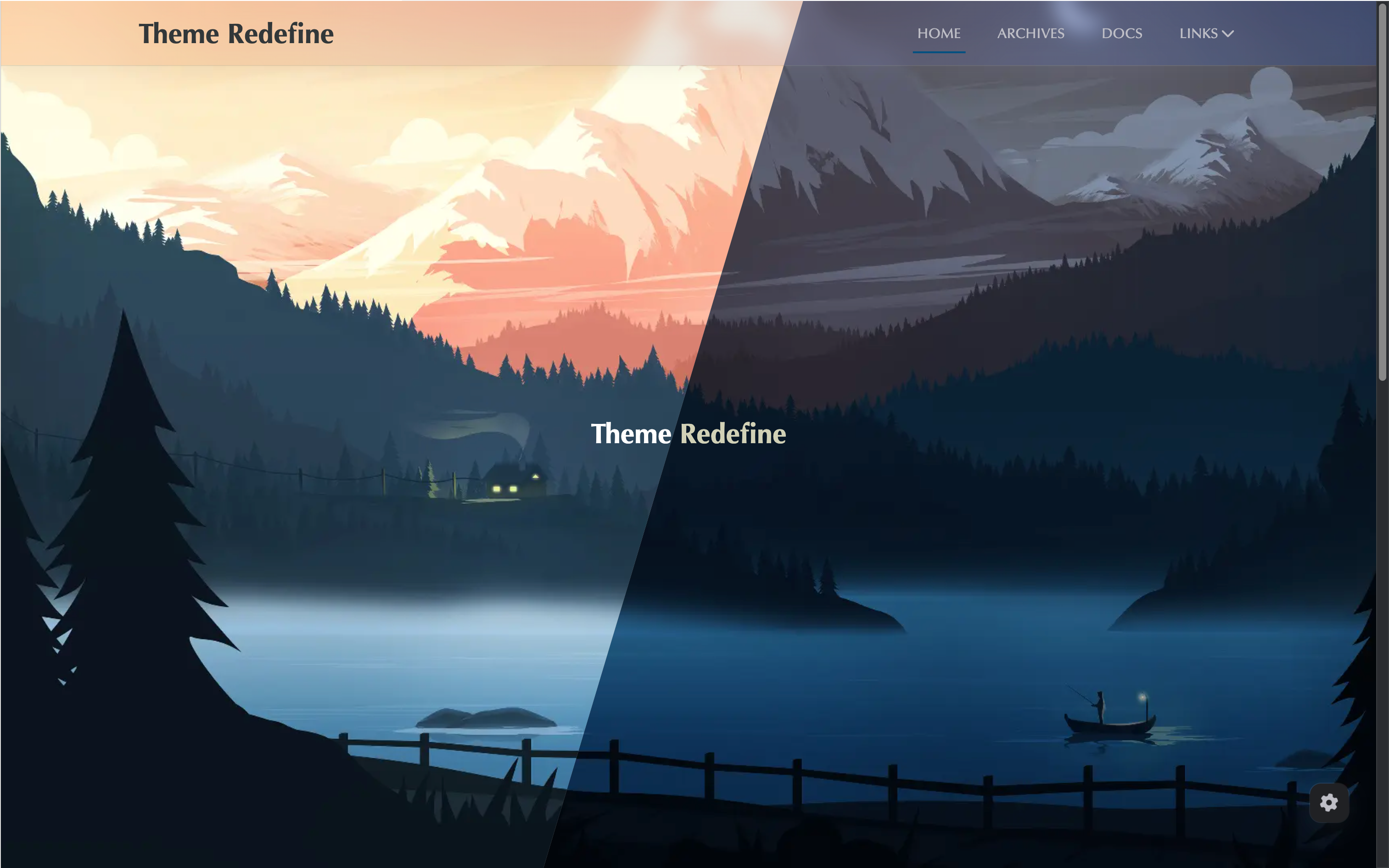
一、安装Redefine主题
1、安装主题
1
| npm install hexo-theme-redefine@latest
|
2、启用主题
在Hexo根目录的_config.yml文件中,将theme值修改为redefine。
3、添加主题配置文件
点击 下载 主题配置文件_config.redefine.yml并将其移动到Hexo根目录下。
点击 下载 主题配置文件中文注释版。
4、更新主题
在Hexo根目录执行和安装时同样的命令更新主题:
1
| npm install hexo-theme-redefine@latest
|
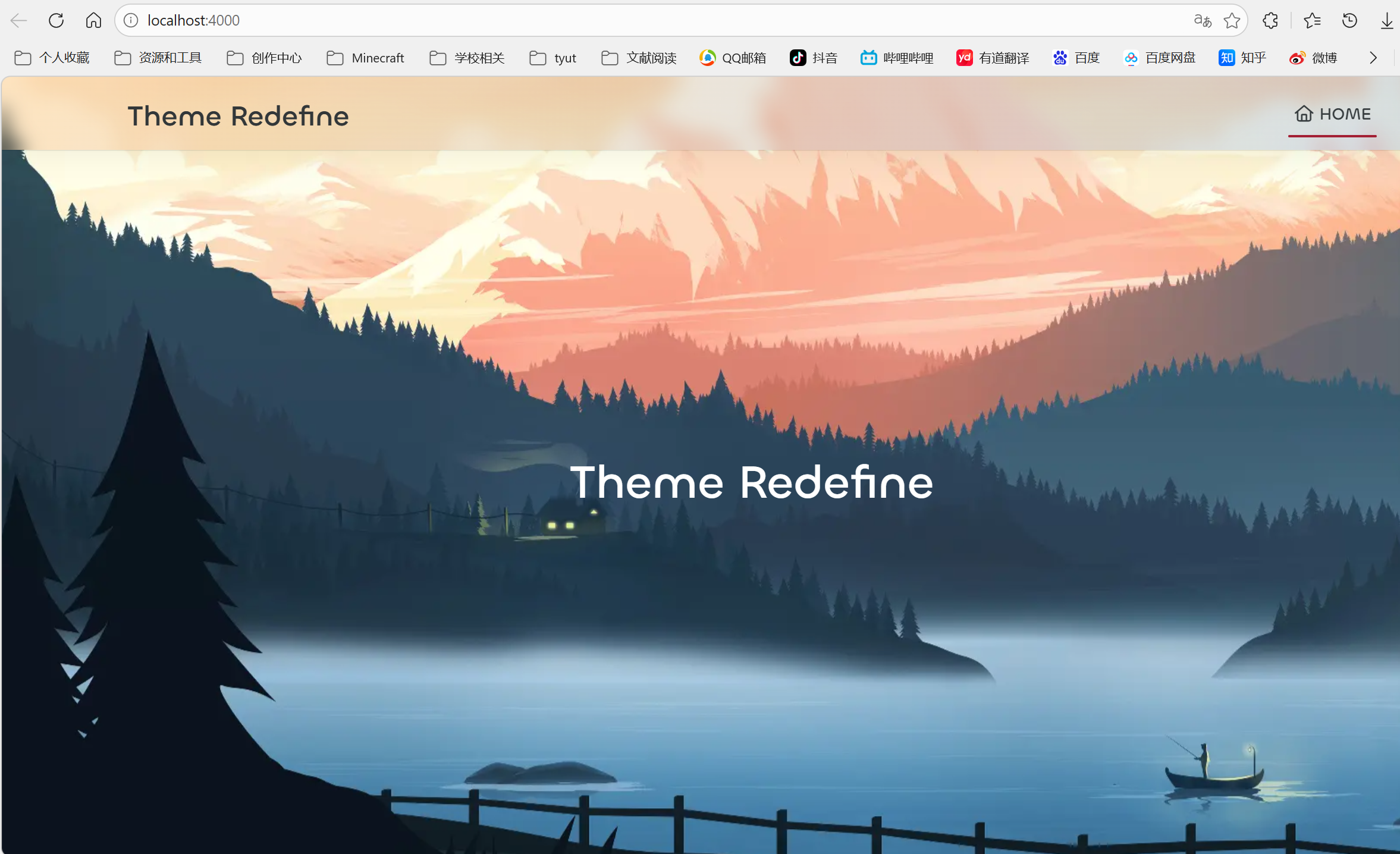
部署完如下图:

二、配置主题
1、基本信息
下面为配置文件示例:
1
2
3
4
5
6
7
8
9
10
11
12
13
14
15
16
17
18
19
20
21
22
23
24
25
26
27
28
29
30
31
|
info:
title: 胡永双
subtitle: 胡永双的Blog
author: 胡永双
url: https://huyongshuang.github.io
defaults:
favicon: /images/favicon.ico
logo: /images/logo.jpg
avatar: /images/avatar.png
colors:
primary: "#A31F34"
secondary:
default_mode: light
|
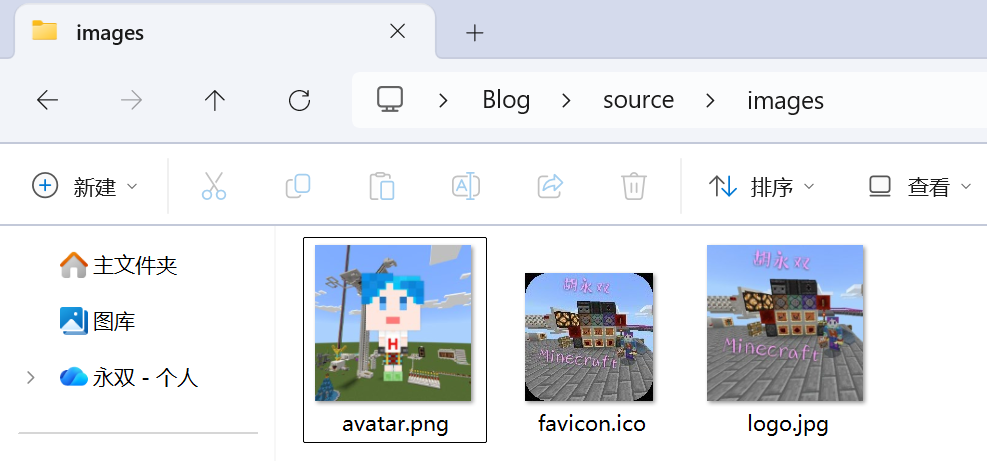
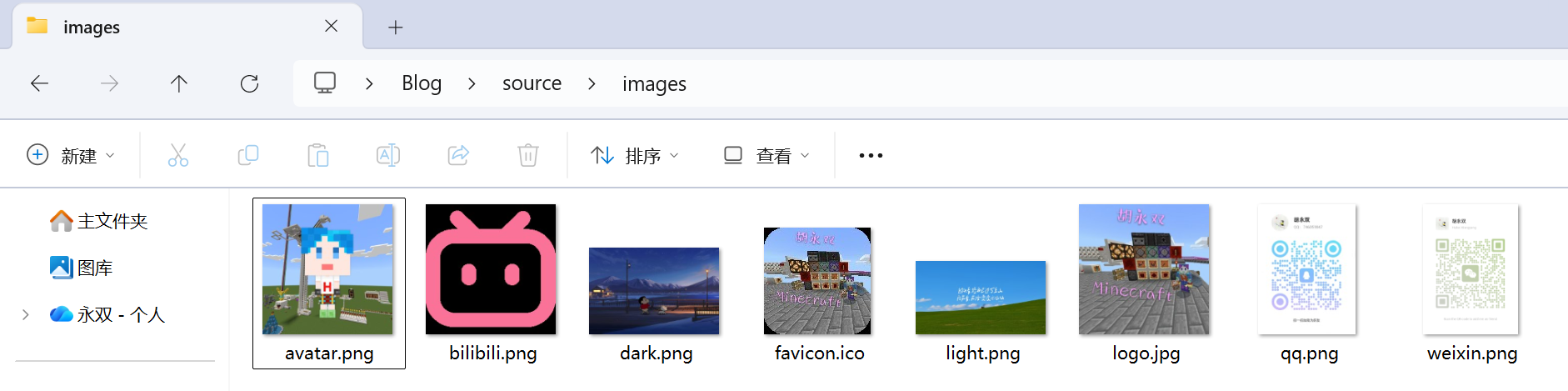
在/source/images文件夹下添加下面的文件:
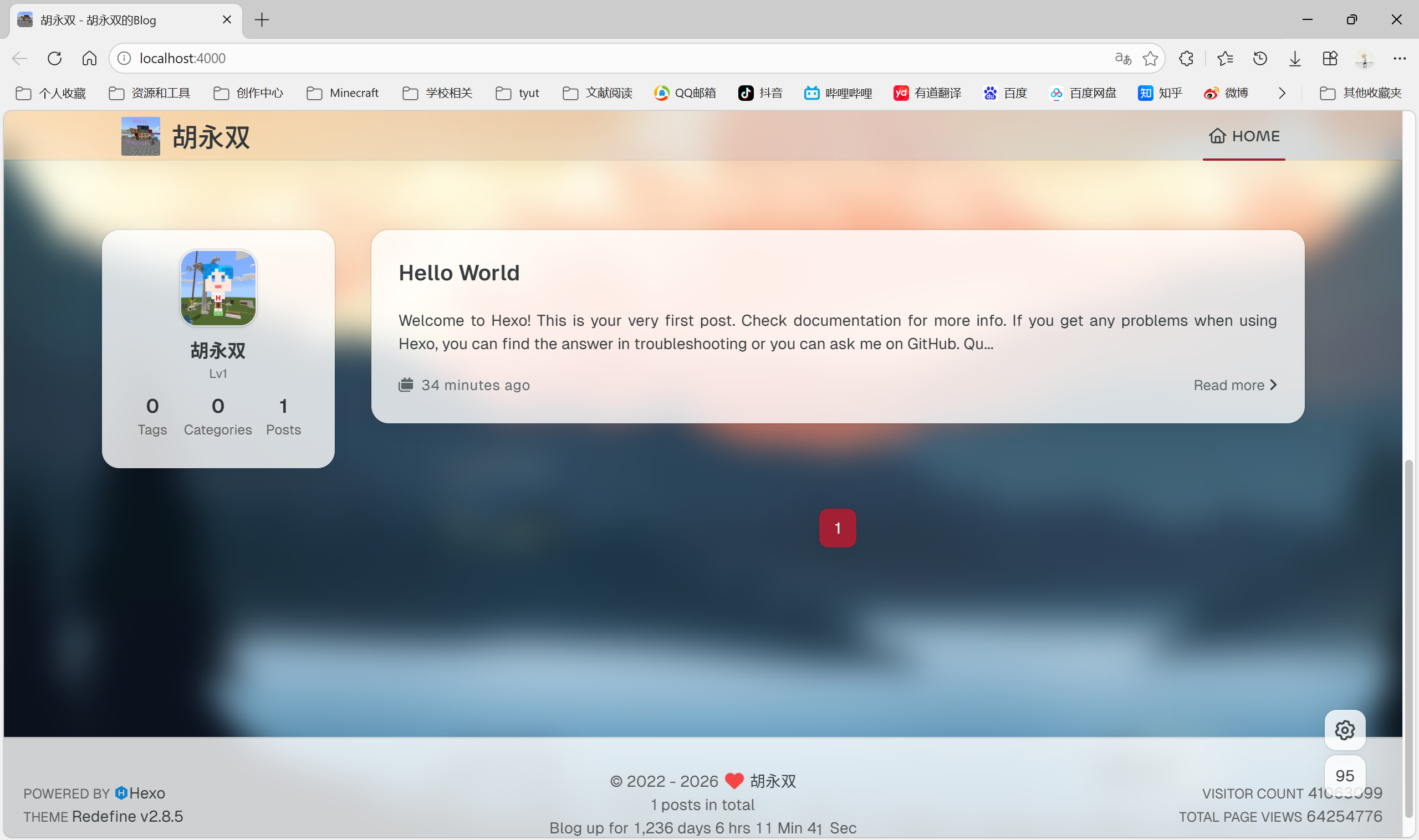
效果图:
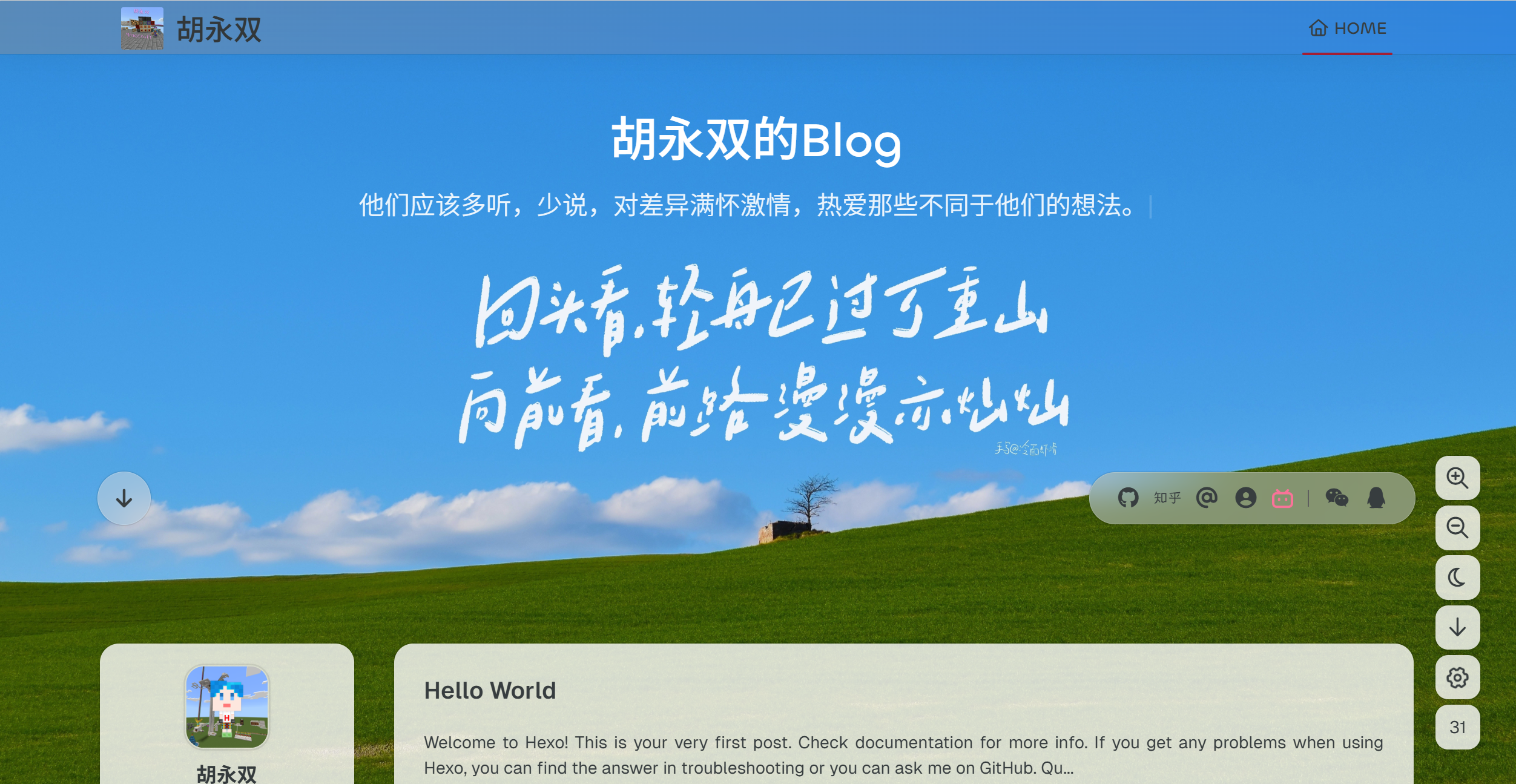
2、第一屏(home_banner)
下面为配置文件示例:
1
2
3
4
5
6
7
8
9
10
11
12
13
14
15
16
17
18
19
20
21
22
23
24
25
26
27
28
29
30
31
32
33
34
35
36
37
38
39
40
41
42
43
44
45
46
47
48
49
50
51
52
53
54
55
56
57
58
59
60
61
62
63
64
65
66
67
68
69
70
71
72
|
home_banner:
enable: true
style: fixed
image:
light: /images/light.png
dark: /images/dark.png
title: 胡永双的Blog
subtitle:
text: [
"他们应该多听,少说,对差异满怀激情,热爱那些不同于他们的想法。",
"我们所度过的每个平凡的日常,也许就是连续发生的奇迹。",
"只要有想见的人,就不再是孤身一人了。",
"世界上只有一种英雄主义,就是在认清生活的真相后依然热爱生活。",
"别让任何人消耗你内心的晴朗,生活应该是被热爱的人和事填满。"]
hitokoto:
enable: false
show_author: false
api: https://v1.hitokoto.cn
typing_speed: 100
backing_speed: 80
starting_delay: 500
backing_delay: 1500
loop: true
smart_backspace: true
text_color:
light: "#fff"
dark: "#d1d1b6"
text_style:
title_size: 2.8rem
subtitle_size: 1.5rem
line_height: 1.2
custom_font:
enable: false
family:
url:
social_links:
enable: true
style: default
links:
github: https://github.com/huyongshuang
instagram:
zhihu: https://www.zhihu.com/people/huyongshuang
twitter:
email: 746059847@qq.com
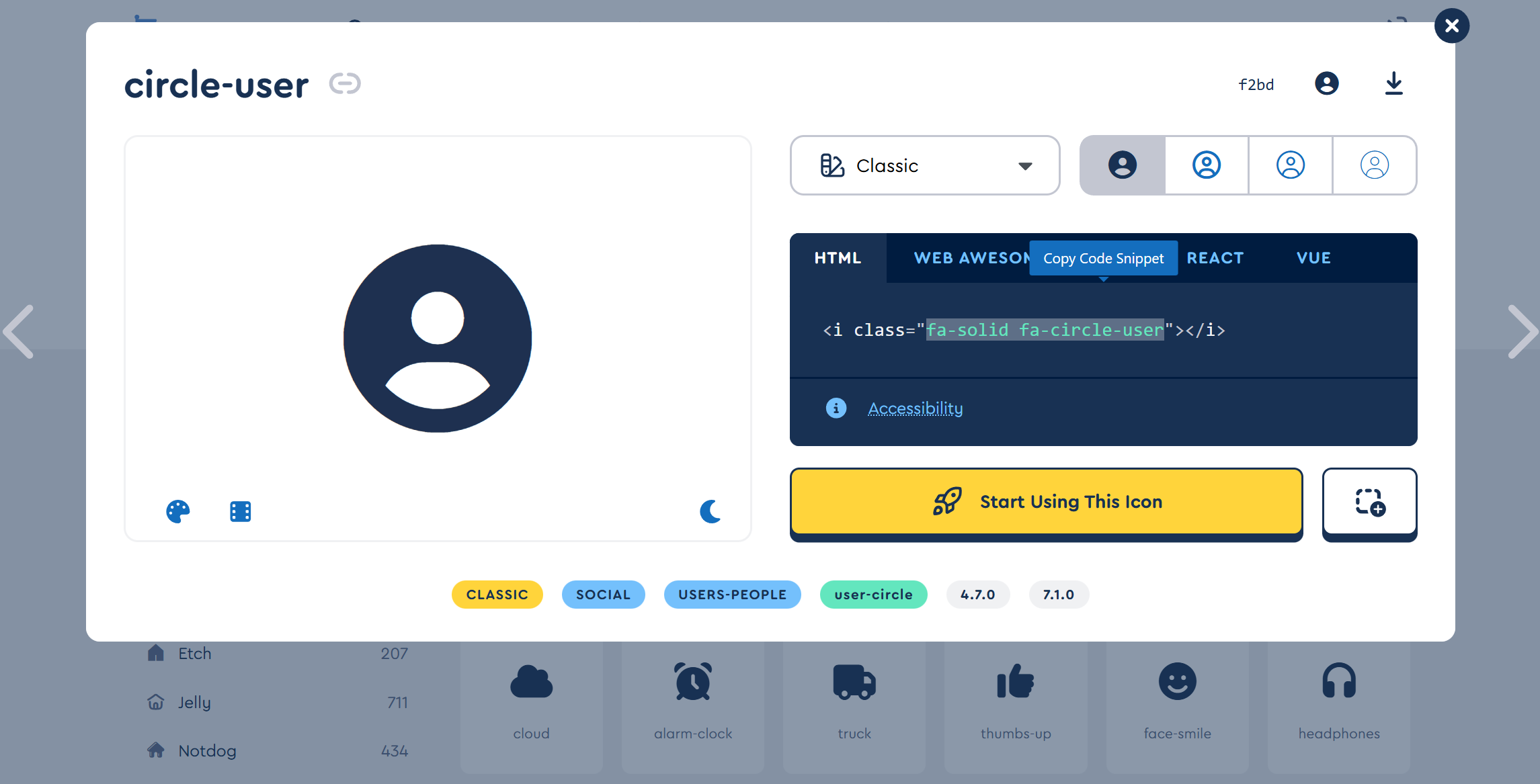
fa-solid fa-circle-user: https://huyongshuang.mysxl.cn/
/images/bilibili.png: https://space.bilibili.com/400547411
qrs:
weixin: /images/weixin.png
qq: /images/qq.png
|
对于fa-brands图标,直接输入图标名称。对于其他FontAwesome图标,使用全名。
FontAwesome图标名称查询:打开链接:https://fontawesome.com/search,如下图,选择一个图标点击打开,将class=" "引号里面的内容复制出来即可。
在/source/images文件夹下添加下面的文件:
效果图:
3、导航栏和侧边栏
下面为配置文件示例:
1
2
3
4
5
6
7
8
9
10
11
12
13
14
15
16
17
18
19
20
21
22
23
24
25
26
27
28
29
30
31
32
33
34
35
36
37
38
39
40
41
42
43
44
45
46
47
48
49
50
51
52
53
54
55
56
57
58
59
60
61
62
63
64
65
66
67
68
69
70
71
72
73
74
75
76
77
78
79
80
81
82
|
navbar:
auto_hide: false
color:
left: "#f78736"
right: "#367df7"
transparency: 35
width:
home: 1200px
pages: 1000px
links:
归档:
path: /archives
icon: fa-regular fa-archive
分类:
path: /categories
icon: fa-regular fa-chart-bar
标签:
path: /tags
icon: fa-regular fa-align-center
关于:
icon: fa-regular fa-user
submenus:
关于我: /about
Github: https://github.com/huyongshuang
Blog: https://huyongshuang.github.io
Friends: /friends
链接:
icon: fa-regular fa-link
submenus:
链接1: /link1
链接2: /link2
链接3: /link3
search:
enable: true
preload: true
home:
sidebar:
enable: true
position: left
first_item: menu
announcement: 这里是胡永双的Blog
show_on_mobile: true
links:
Home:
path: /
icon: fa-regular fa-house
归档:
path: /archives
icon: fa-regular fa-archive
分类:
path: /categories
icon: fa-regular fa-folder
标签:
path: /tags
icon: fa-regular fa-tags
article_date_format: auto
excerpt_length: 200
categories:
enable: true
limit: 3
tags:
enable: true
limit: 3
|
除了/archives会自动创建,其余(/categories、/tags、/about等等)均需要自己创建,创建命令:
1
2
3
| hexo new page categories
hexo new page tags
hexo new page about
|
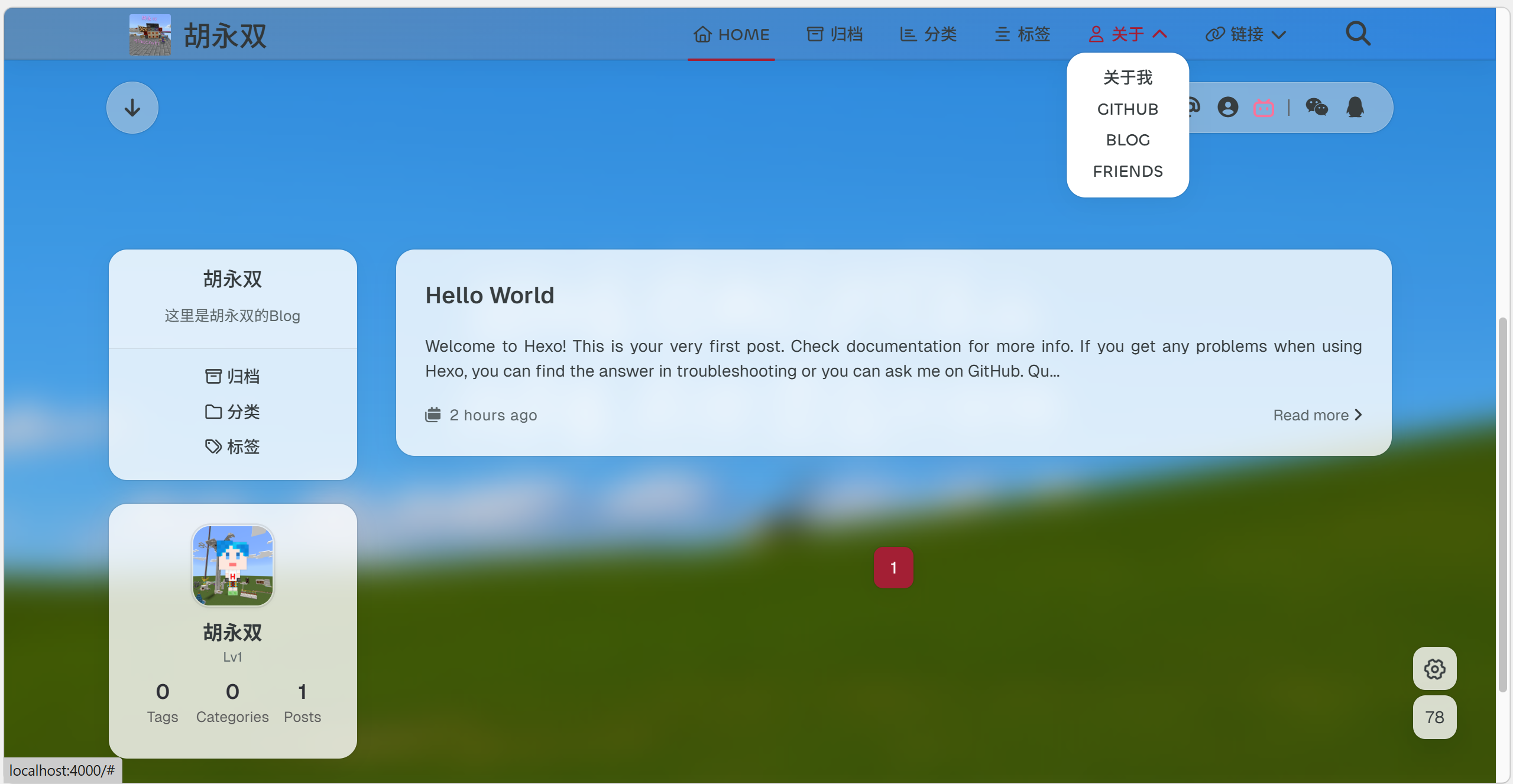
下图中“主页”为英文,可以在Hexo配置文件(_config.yml)中修改language配置为:language: zh-CN即可,修改配置后,设置的英文导航栏名称也会翻译为中文。
效果图:
这里只介绍以上三种主题配置设置,更多设置请参考主题 官方文档。
三、插件
Redefine主题官方文档中涉及到的插件:
安装命令:
1
2
3
4
5
6
7
8
9
10
11
12
|
npm install hexo-generator-searchdb --save
npm install hexo-generator-feed --save
npm install hexo-filter-mermaid-diagrams
npm install hexo-filter-mathjax
npm install hexo-all-minifier
npm install hexo-wordcount
|