

Hexo Tutorial (1) – Site Construction, Deployment & Writing
This article mainly walks you through building a personal blog website from scratch using Hexo and GitHub Pages, covering five sections: preparation, creating a GitHub repository, installing Hexo, deploying to GitHub Pages, and basic blog writing.
Hexo Tutorial (5) - Deploy to Cloud Server
Preparation for deploying Hexo to a cloud server: 1. Local Hexo project files that have been completed; 2. Purchased cloud server, such as Tencent Cloud, Alibaba Cloud, etc.; 3. Server system: CentOS or Ubuntu; 4. Server has opened ports: 22 (SSH), 80 (HTTP), 443 (HTTPS, optional); 5. Obtained server public IP, root account password/key; 6. Purchased domain name and registered (unregistered cannot be accessed) (optional); 7. Purchased SSL certificate (can be accessed via HTTPS) (optional).
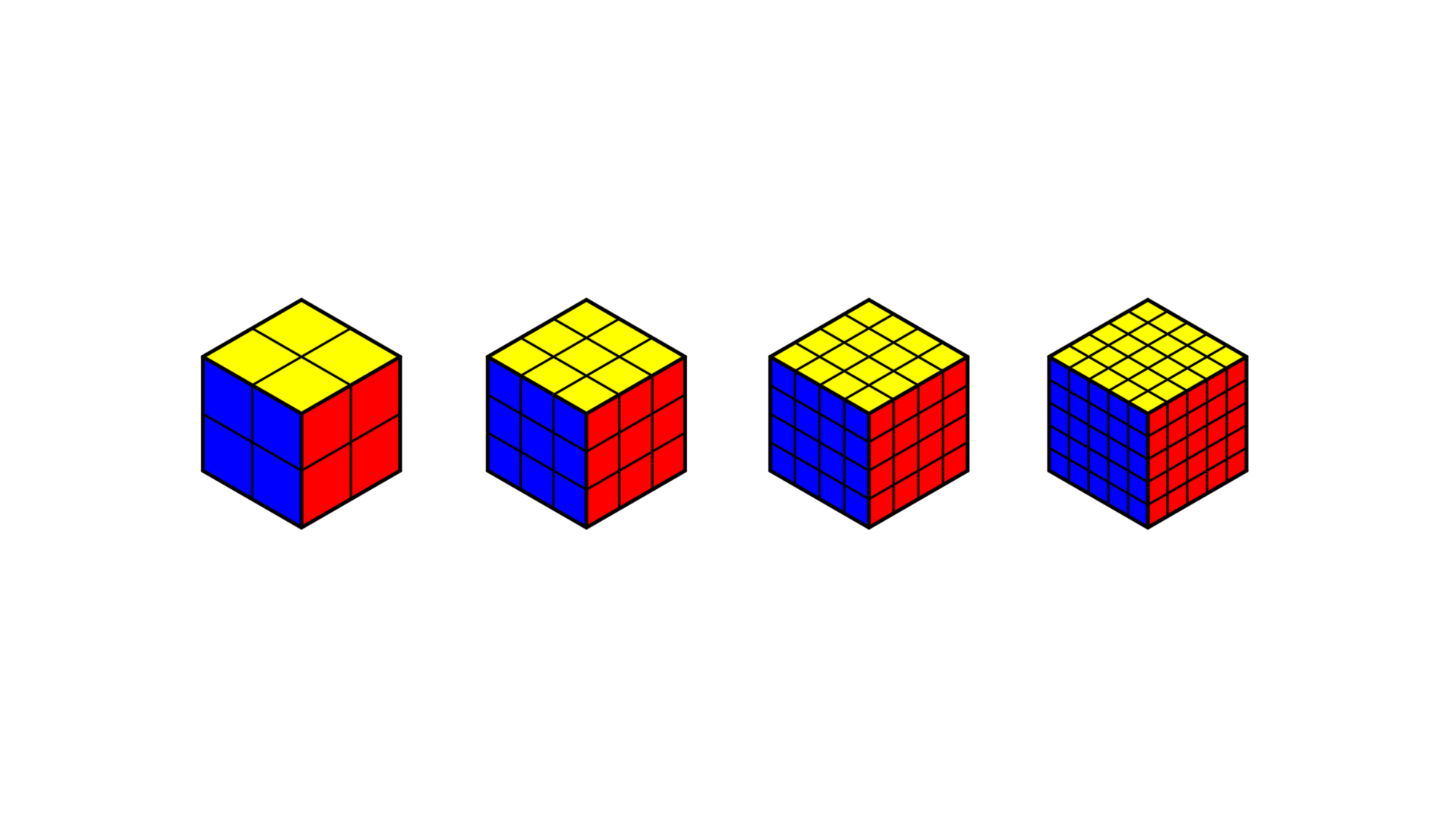
Rubik's Cube formula
This article includes the basic solving methods of 3x3 Rubik's Cubes, as well as the 2x2, 4x4 and 5x5 Rubik's Cubes.
Binary Arithmetic Videos Collection (Bilibili)
Binary Arithmetic Videos Collection.
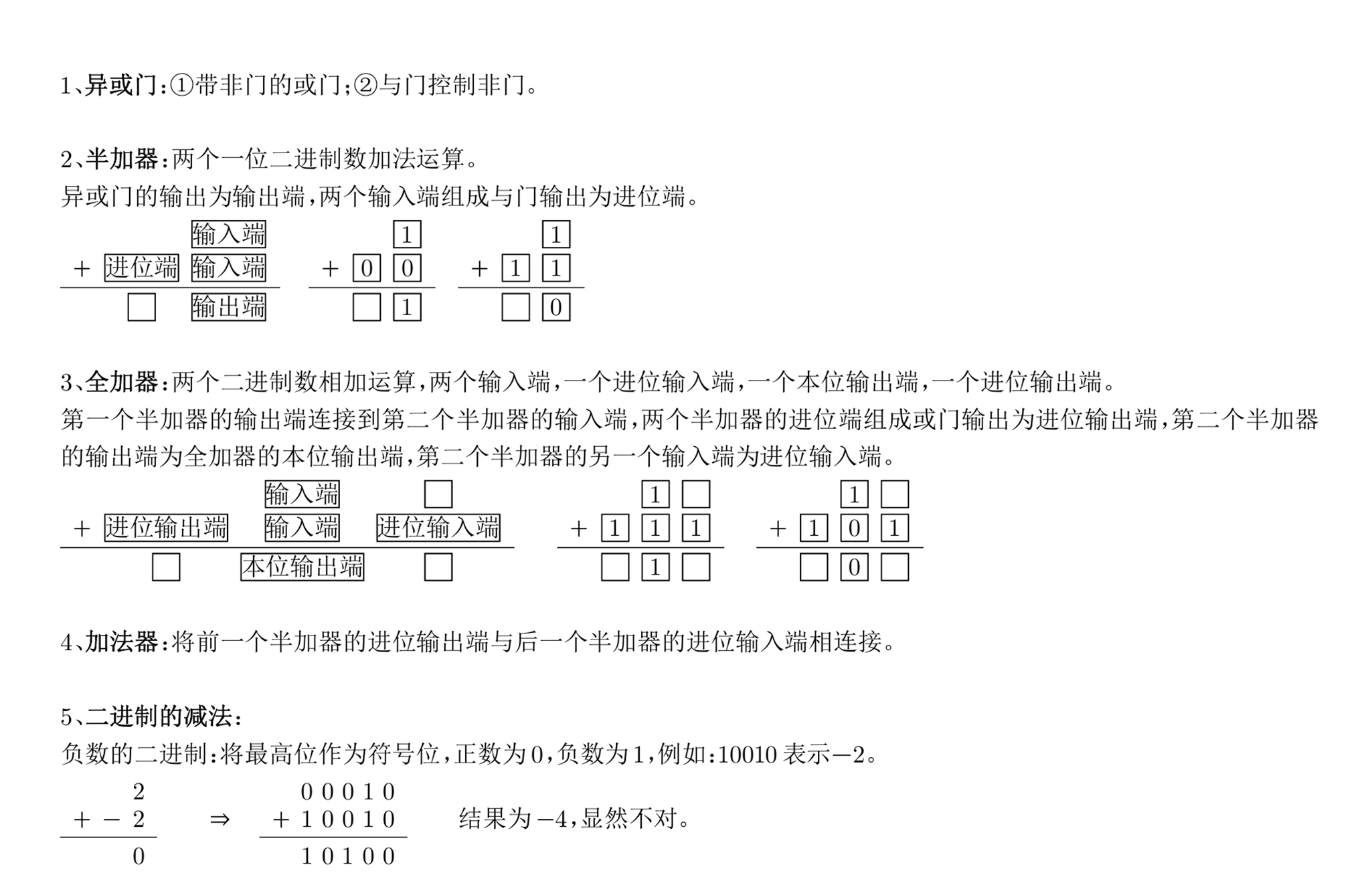
Binary Arithmetic
Minecraft binary arithmetic operations including logic gate circuits, half adders, full adders, adders, addition-subtraction modules, multipliers, dividers, etc.
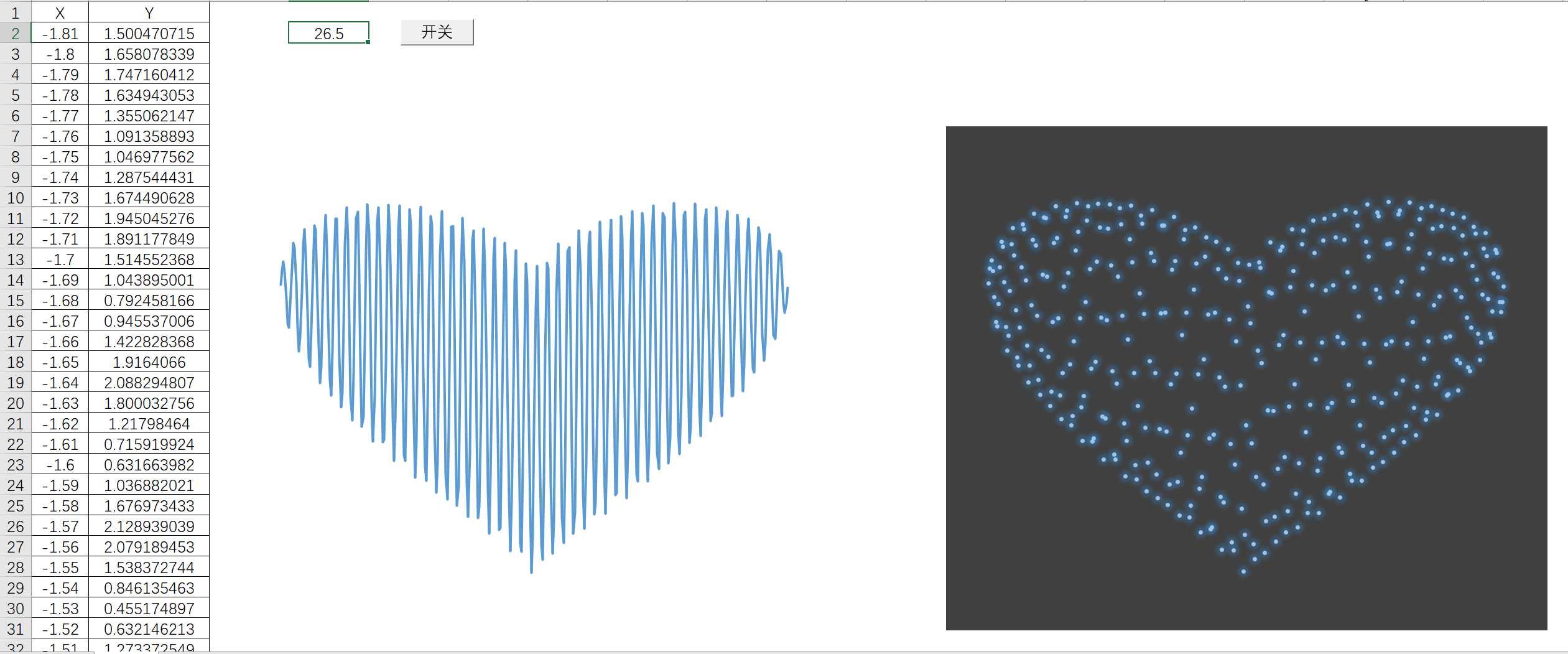
Heart-shaped Function
1. Function Formula ⚓︎ Heart-Shaped Function Formula y=(x2)13+0.9⋅(3.3−x2)12⋅sin(nπx)y = \left(x^2\right)^{\frac{1}{3}} + 0.9 \cdot \left(3.3 - x^2\right)^{\frac{1}{2}} \cdot \sin(\mathbf{n} \pi x) y=(x2)31+0.9⋅(3.3−x2)21⋅sin(nπx) where n is a parameter, and the function graph changes as the value of n changes. The domain of the function is: [-1.81, 1.81] 2. Interactive Online Demo ⚓︎ .heart-func-wrap { margin-top: -60px; padding: 50px; box-sizing: border-box; font-family: 'Segoe UI', Tahoma, Geneva, Verdana, sans-serif; background-color: inherit; color: #333333; min-height: 100vh; display: flex; flex-direction: column; align-items: center; } .heart-func-wrap .header { text-align: center; margin-bottom: 25px; padding: 15px; width: 100%; max-width: 900px; border-bottom: 2px solid rgba(0, 100, 200, 0.2); } .heart-func-wrap .title-main { font-size: 2.5rem; margin-bottom: 10px; color: #2c3e50; text-sha...
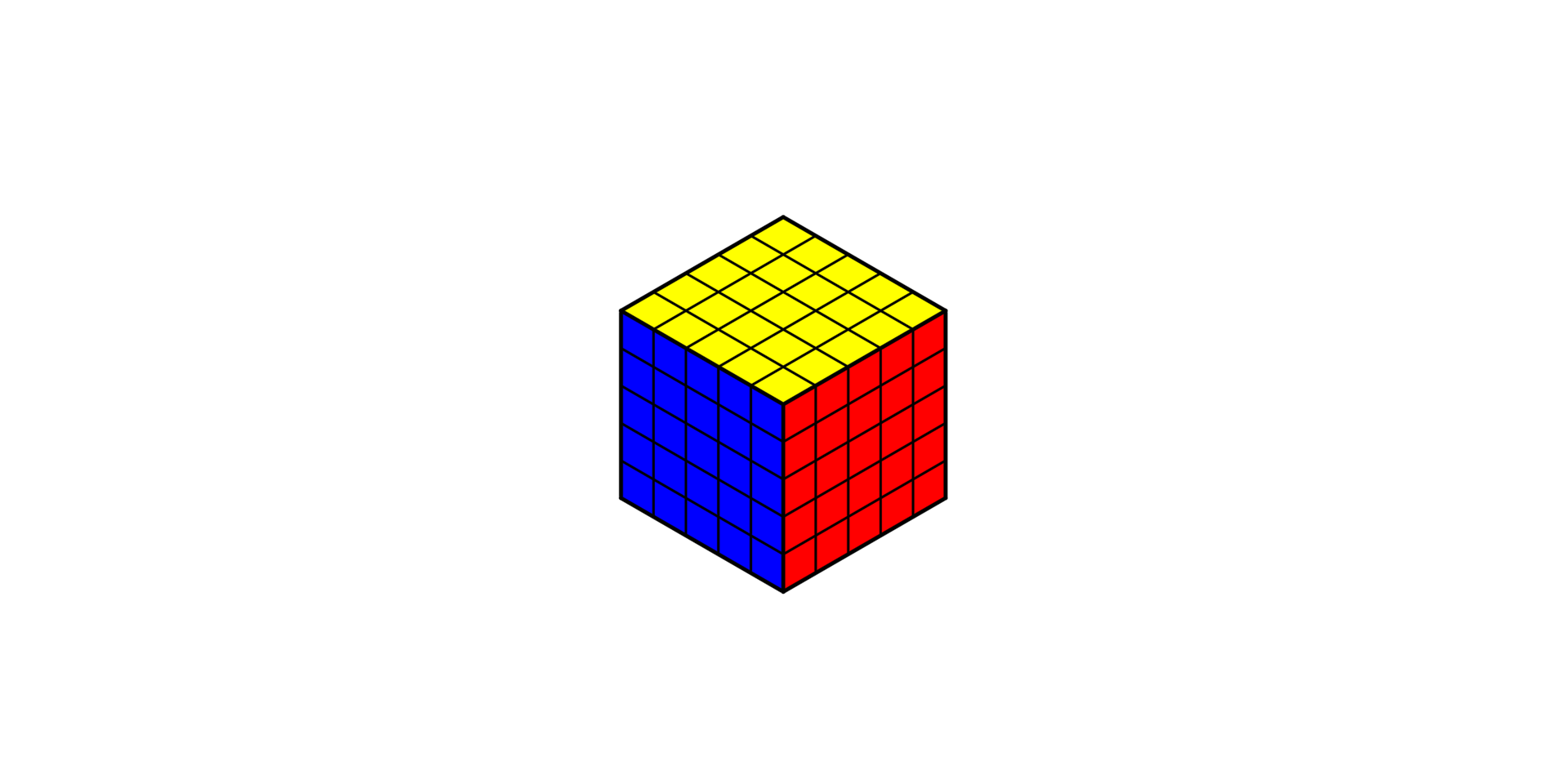
5×5 Rubik's Cube formula
This article mainly introduces the basic solving method for the 5×5 Rubik's Cube, which consists of two main steps: solving center pieces and solving edge pieces. After completing these steps, you can continue solving the cube following the procedures for a 3×3 Rubik's Cube.
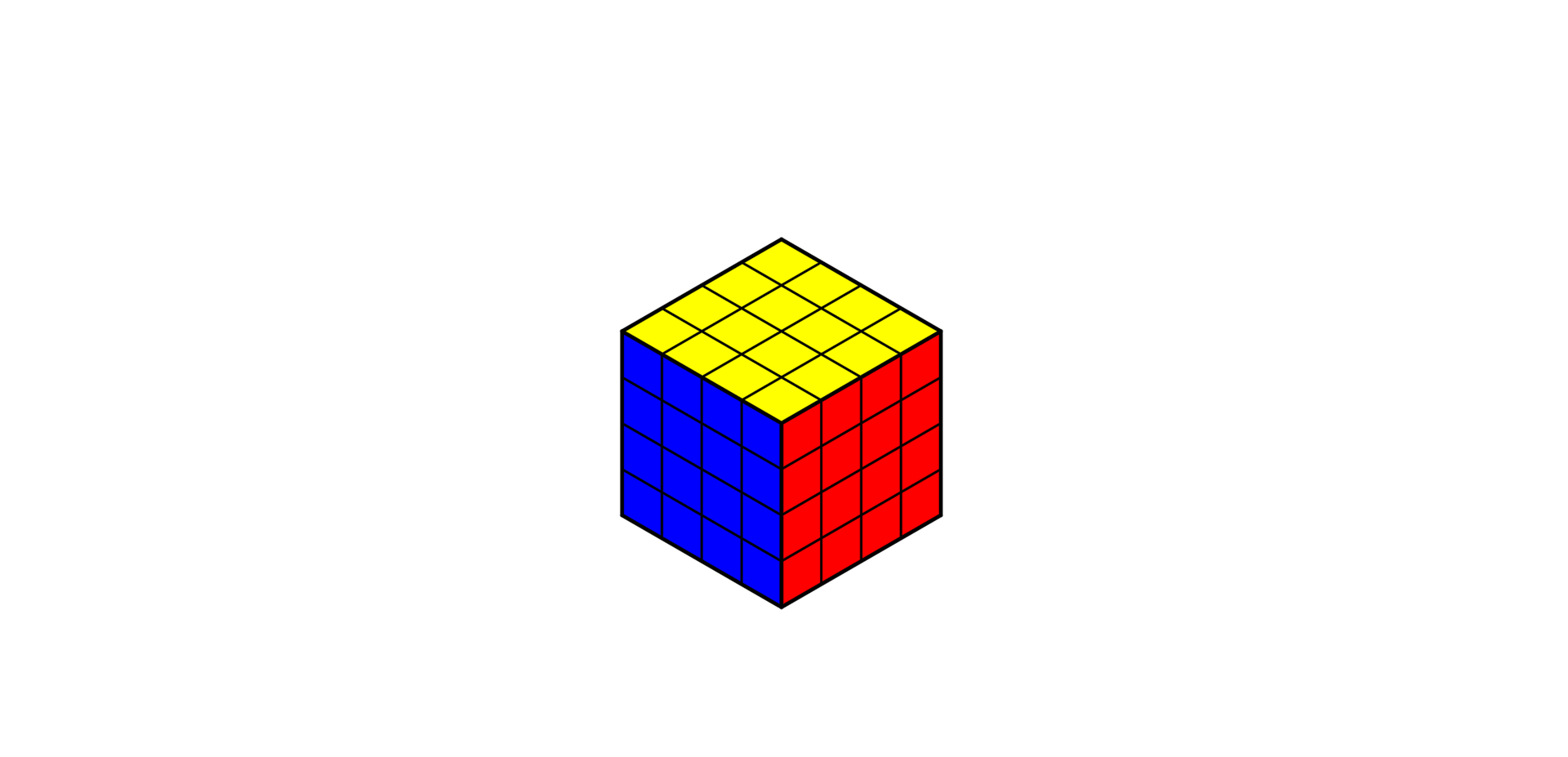
4×4 Rubik's Cube formula
This article mainly introduces the basic solving method for the 4×4 Rubik's Cube, which consists of two main steps: solving center pieces and solving edge pieces. After completing these steps, you can continue solving the cube following the procedures for a 3×3 Rubik's Cube. Two special cases may occur during the solving process that need to be addressed.
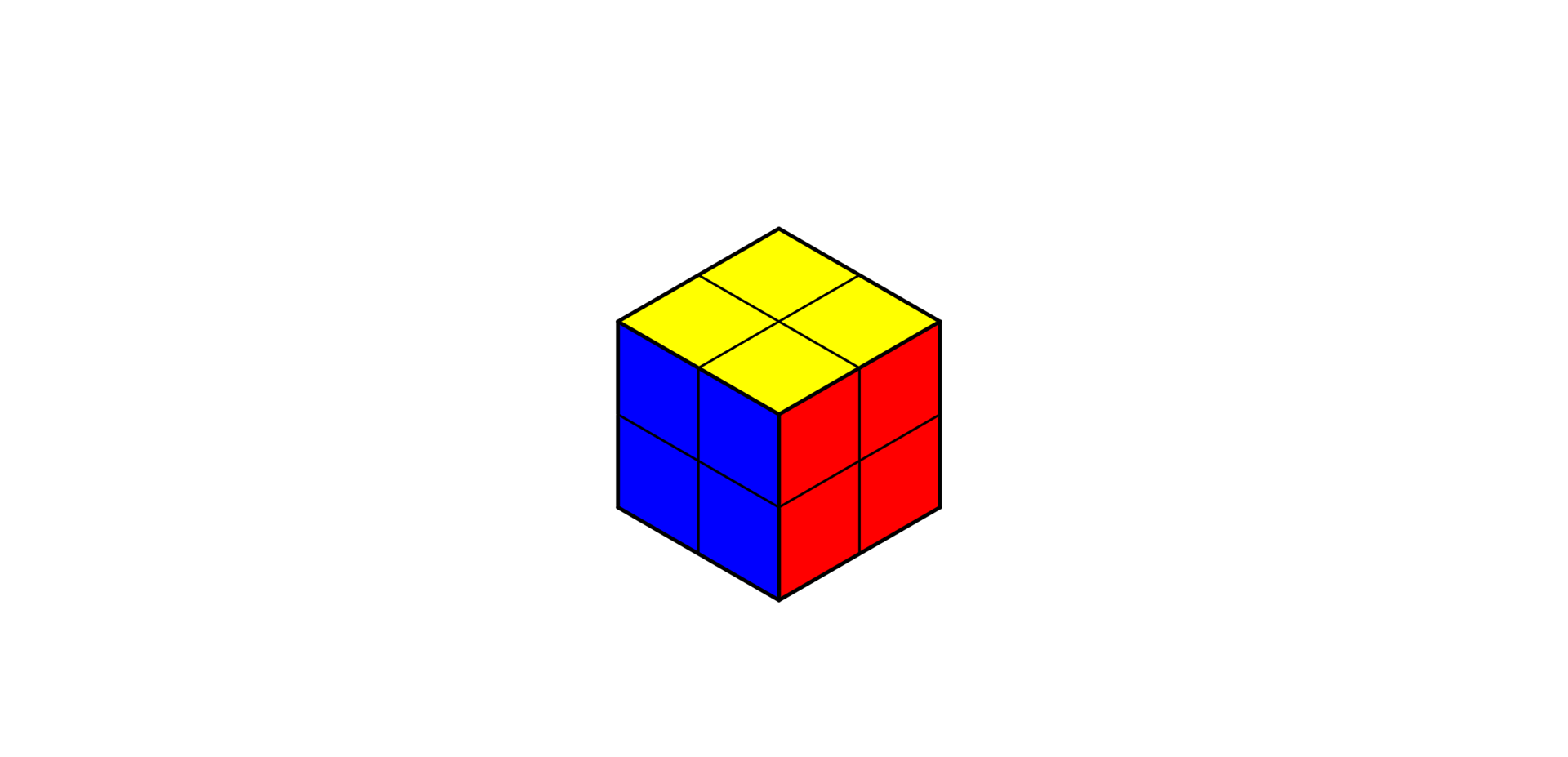
2×2 Rubik's Cube formula
This article mainly covers the basic solving method for the 2×2 Rubik's Cube, which includes two main stages: solving the bottom layer and solving the top layer.
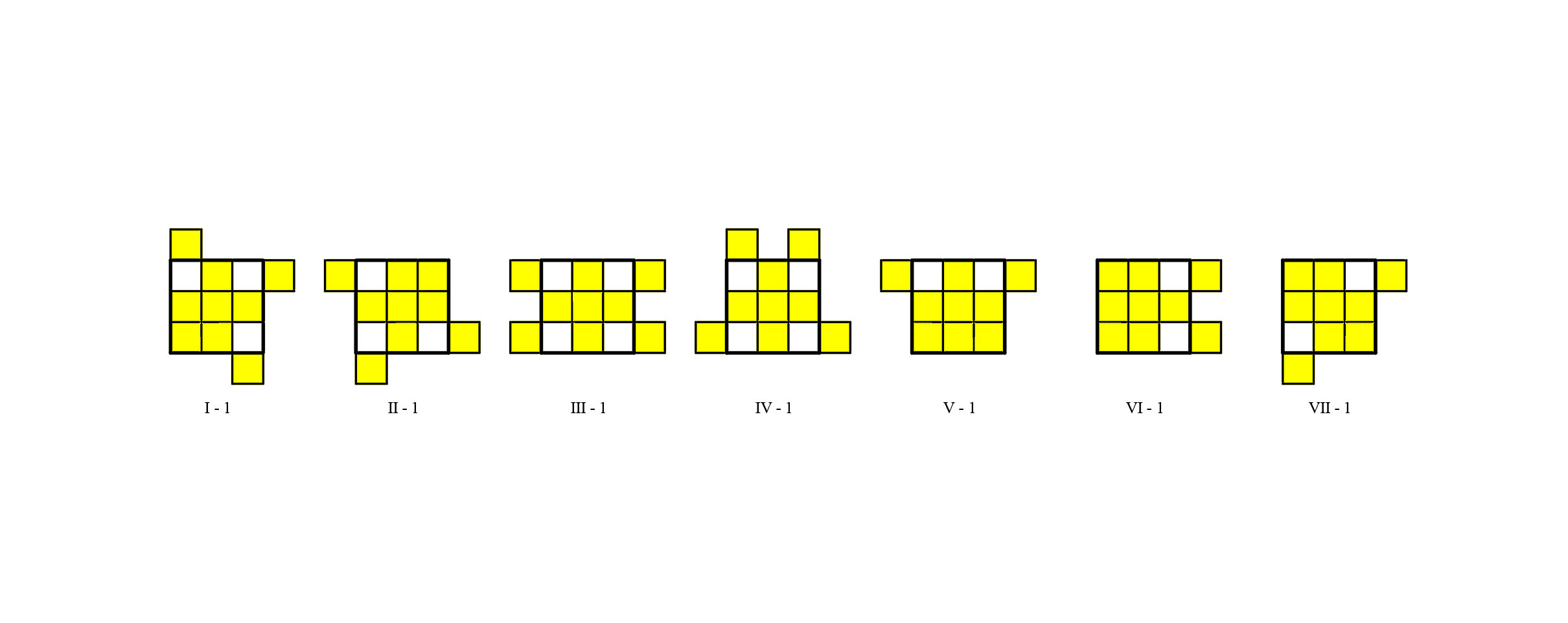
All States, Transformations and Solving Steps for the Top Face of a 3×3 Rubik’s Cube
This article mainly focuses on all possible states that may appear during the top-face solving stage of a 3×3 Rubik's Cube, along with their transformations and corresponding solving procedures.
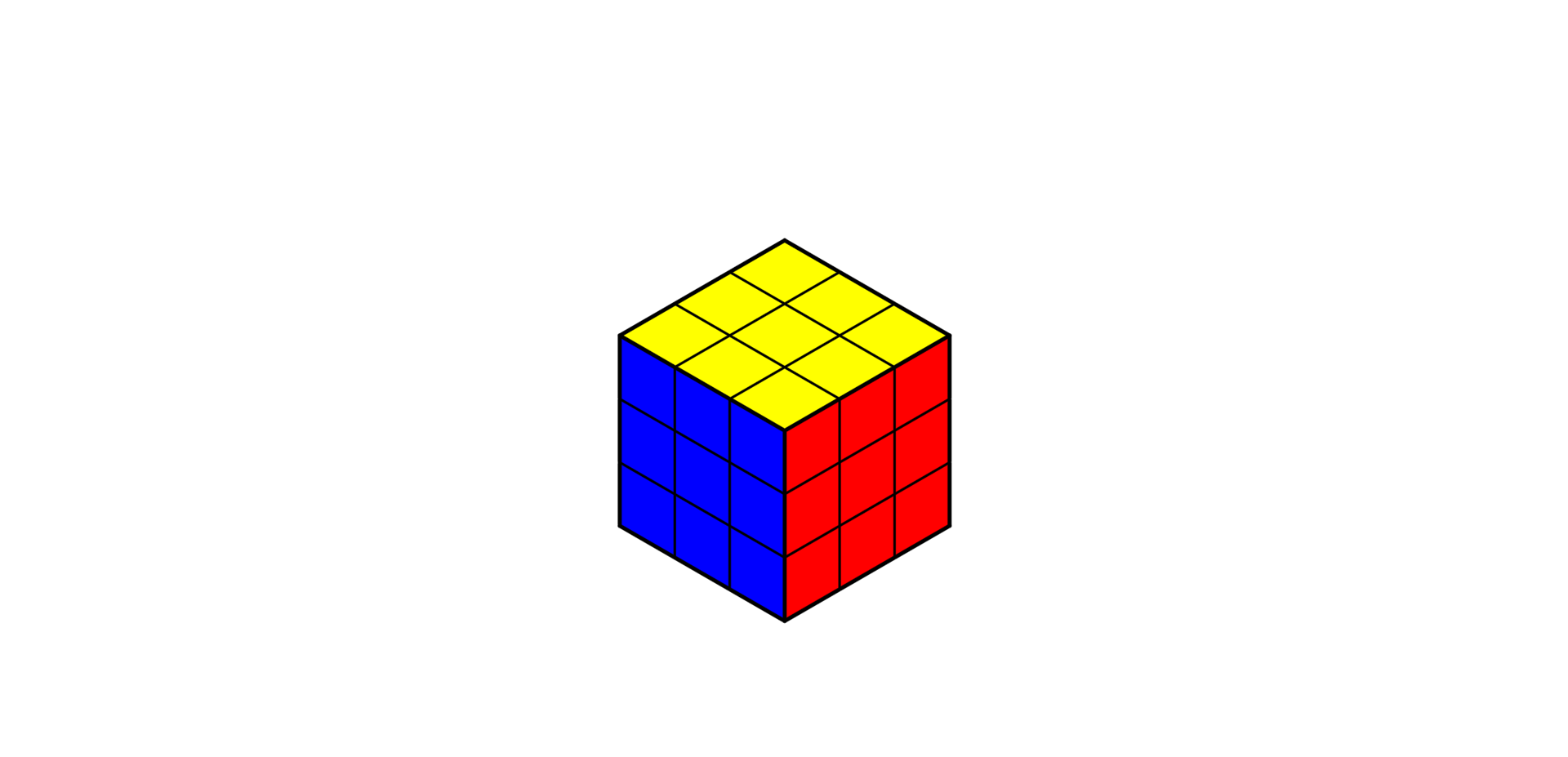
3×3 Rubik's Cube formula
This article mainly introduces the basic solving method for the 3×3 Rubik's Cube, consisting of three major stages: solving the bottom layer, solving the middle layer and solving the top layer.
Implement Colored Text in Hexo
Methods to implement colored text in Hexo: 1. CSS style attribute; 2. JavaScript script implementation.
Hexo Deployment Script
Before using it, please change the folder name where you store your Hexo project files to ‘Blog’, and place the following ‘bat’ files in the same directory as’ Blog '. You can customize your file name and location in the code below. 1. Hexo Local Deployment Script ⚓︎ Click to download the Hexo Local Deployment.bat file. 1wt -d "Blog" cmd /k "hexo clean & hexo generate & hexo server" 2. Hexo Deployment to GitHub Pages Script ⚓︎ Please install hexo-deployer-git and configure Hexo properly. Click to download the Hexo Deploy to GitHub Pages.bat file. 1wt -d "Blog" cmd /k "hexo clean & hexo generate & hexo deploy" 3. Git Push Script ⚓︎ Click to download the Git Push Script.bat file. 123456789101112131415161718192021222324252627282930313233343536373839404142434445464748495051525354555657585960616263646566676869707172737475767778798081828384858687888990919293949596979899100101102103104105106107108109110111112113114115116117118119120...
Screen Color Picker
A web tool that can extract colors from any position on the screen, built on the EyeDropper API. When using it, minimize the browser window and place the interface from which you need to extract colors outside the browser window.
The solution for Hexo being unable to skip the rendering of yml files
Root cause of the problem: Hexo will recognize .yml / .yaml files as data files. These files will be actively parsed by Hexo and added to the template variable site.data. This process occurs before the skip_render setting takes effect. Therefore, even if skip_render is configured, Hexo will still first parse the .yml files and then attempt to skip rendering (but the parsing process has already been completed). Solution: Use a script to forcibly copy the yml file to the public directory. Create a scripts folder in the root directory of Hexo, and within this folder, create a JavaScript file named copy-yaml.js. Write the following code into this file. Alternatively, you can download the copy-yaml.js file. 1234567891011121314151617181920212223242526272829303132333435363738394041424344454647484950'use strict';const fs = require('fs');const path = require('path');const chokidar = require('chokidar');// Make sure that the YAML file is copied to the...
Announcement
Wechat Official Account has more content!