• Hexo Theme Official Website: https://hexo.io/themes/
  • Search for a theme you like, click Visit preview site to enter the preview site, and locate the theme documentation (Docs).
  • The following takes the Redefine theme as an example. Official documentation: https://redefine-docs.ohevan.com/zh

I. Installing the Redefine Theme ⚓︎

1. Install the Theme ⚓︎

1
npm install hexo-theme-redefine@latest

2. Enable the Theme ⚓︎

In the _config.yml file in the Hexo root directory, change the value of theme to redefine.

1
theme: redefine

3. Add the Theme Configuration File ⚓︎

Click Download the theme configuration file _config.redefine.yml and move it to the Hexo root directory.
Click Download the Chinese-commented version of the theme configuration file.

4. Update the Theme ⚓︎

Run the same command as installation in the Hexo root directory to update the theme:

1
npm install hexo-theme-redefine@latest

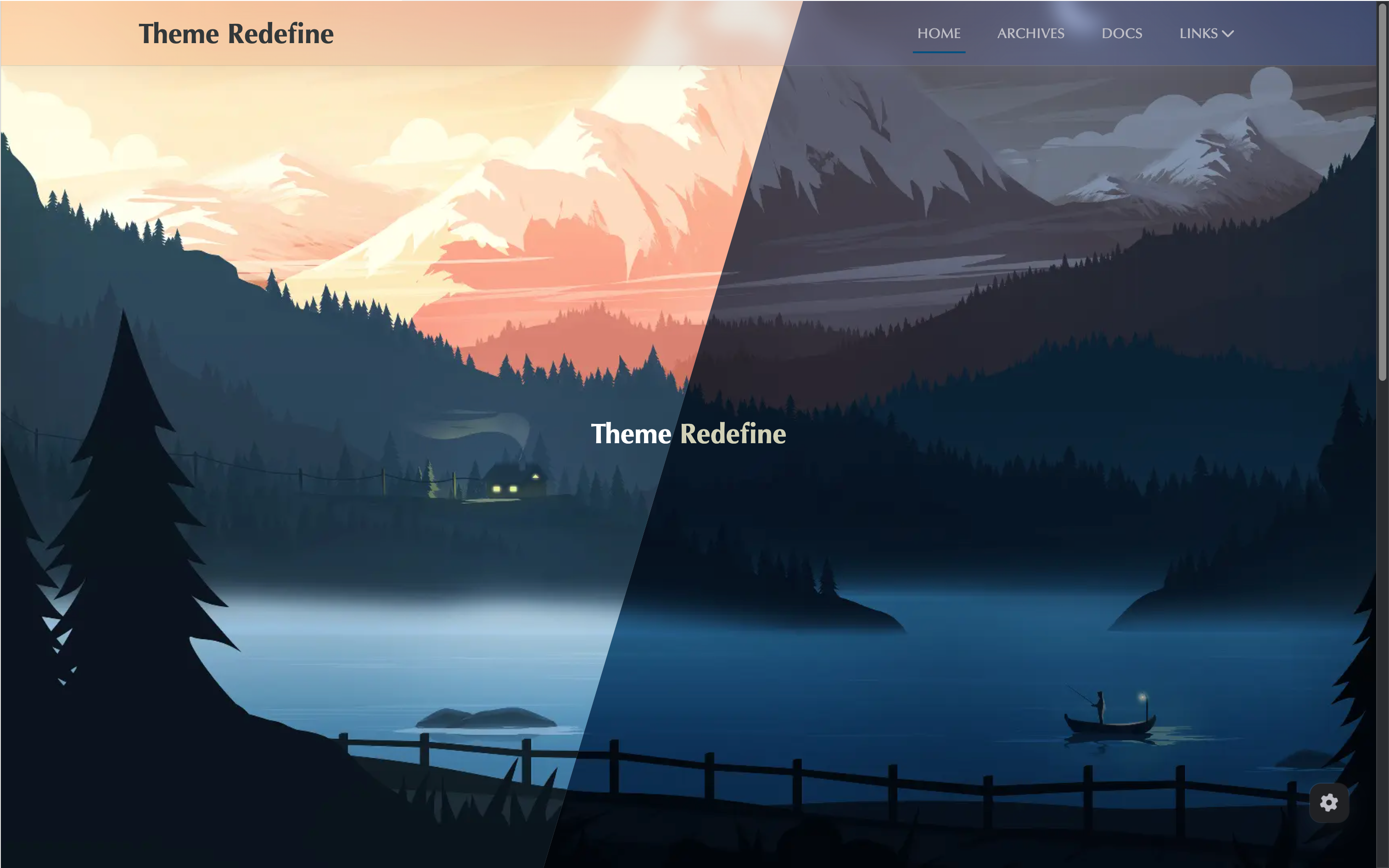
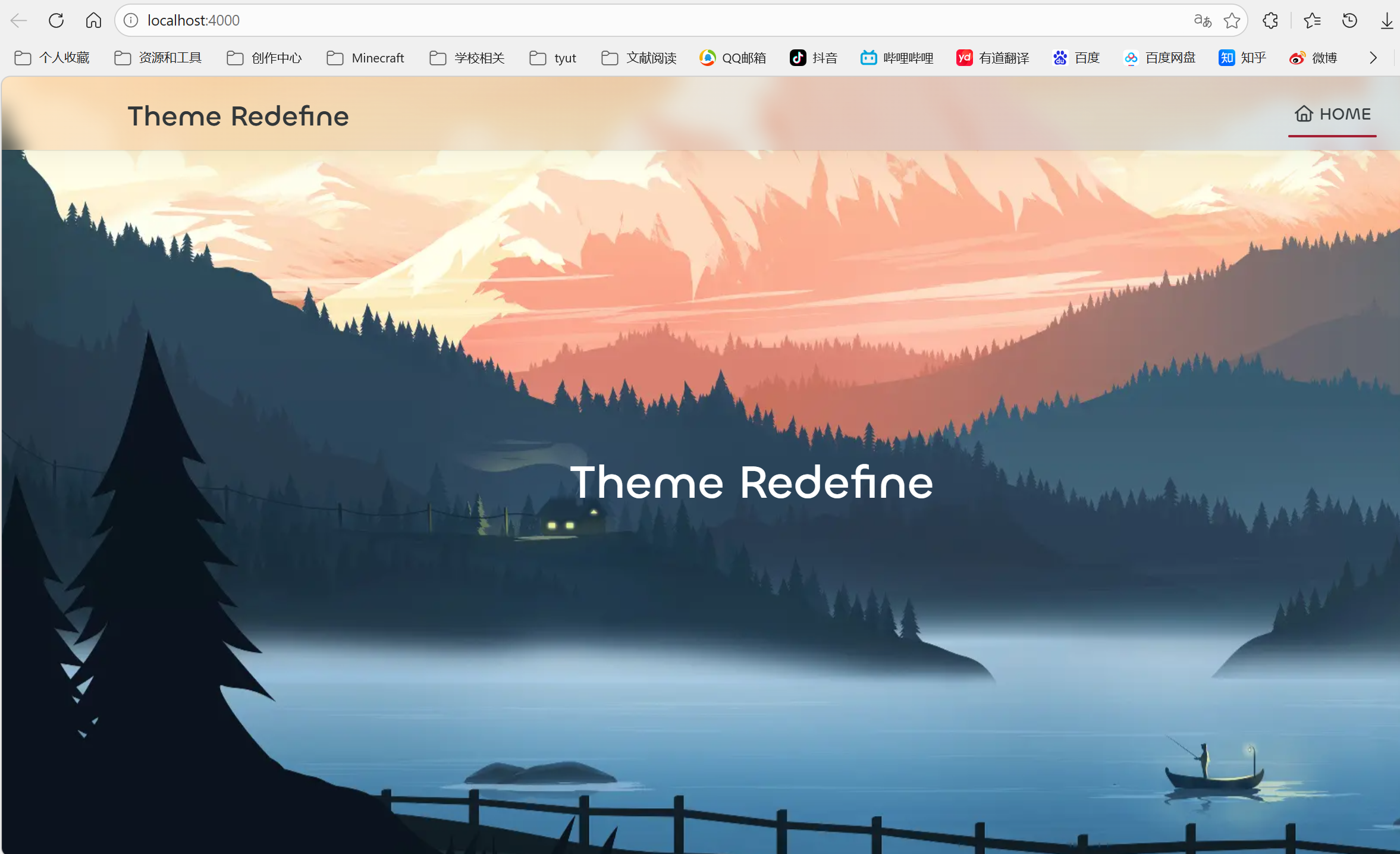
After deployment, it looks like the following figure:
II. Configuring the Theme ⚓︎

1. Basic Information ⚓︎

The following is a sample configuration file:

1
2
3
4
5
6
7
8
9
10
11
12
13
14
15
16
17
18
19
20
21
22
23
24
25
26
27
28
29
30
31
# Basic Information
# Docs: https://redefine-docs.ohevan.com/basic/info
info:
# Site Title
title: Hu Yongshuang
# Site Subtitle
subtitle: Hu Yongshuang's Blog
# Author Name
author: Hu Yongshuang
# Site URL
url: https://huyongshuang.github.io

# Default Images
# Docs: https://redefine-docs.ohevan.com/basic/defaults
defaults:
# Site Favicon
favicon: /images/favicon.ico
# Site Logo
logo: /images/logo.jpg
# Site Avatar
avatar: /images/avatar.png

# Color Configuration
# Docs: https://redefine-docs.ohevan.com/basic/colors
colors:
# Primary Color
primary: "#A31F34"
# Secondary Color
secondary:
# Default theme mode initial value (will be overridden by the "Preferred Color Scheme" option)
default_mode: light # light, dark

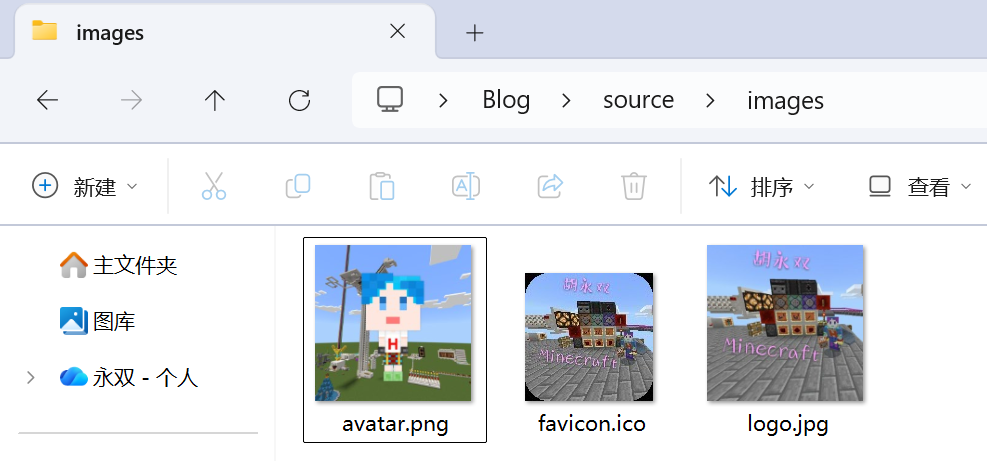
Add the following files to the /source/images folder:
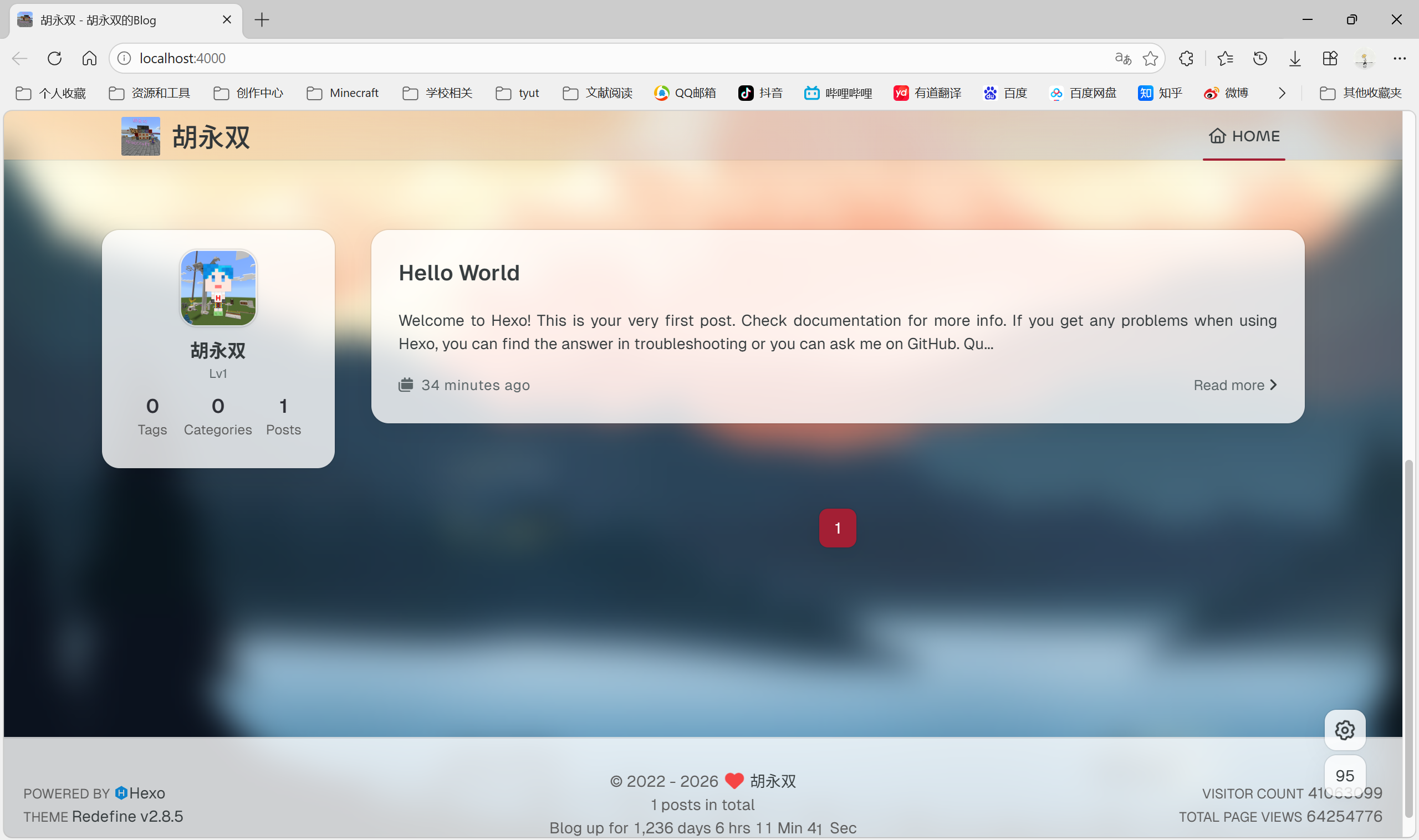
Preview effect:
2. Hero Banner (home_banner) ⚓︎

The following is a sample configuration file:

1
2
3
4
5
6
7
8
9
10
11
12
13
14
15
16
17
18
19
20
21
22
23
24
25
26
27
28
29
30
31
32
33
34
35
36
37
38
39
40
41
42
43
44
45
46
47
48
49
50
51
52
53
54
55
56
57
58
59
60
61
62
63
64
65
66
67
68
69
70
71
72
# Hero Banner
# Docs: https://redefine-docs.ohevan.com/home/home_banner
home_banner:
# Enable hero banner
enable: true
# Background image style
style: fixed # static or fixed
# Background images
image:
light: /images/light.png # Light mode
dark: /images/dark.png # Dark mode
# Main title
title: Hu Yongshuang's Blog
# Subtitle
subtitle:
text: [
"They should listen more, speak less, be passionate about differences, and love ideas different from their own.",
"Every ordinary day we live may be a series of miracles happening in succession.",
"As long as there is someone you wish to see, you are no longer alone.",
"There is only one heroism in the world: to love life even after recognizing the truth of life.",
"Don't let anyone drain the brightness in your heart. Life should be filled with people and things you love."] # Text content
hitokoto: # Hitokoto configuration
enable: false # Enable hitokoto
show_author: false # Show author
api: https://v1.hitokoto.cn # API address, types can be added. See: https://developer.hitokoto.cn/sentence/#%E5%8F%A5%E5%AD%90%E7%B1%BB%E5%9E%8B-%E5%8F%82%E6%95%B0
typing_speed: 100 # Typing speed (ms)
backing_speed: 80 # Backspace speed (ms)
starting_delay: 500 # Start delay (ms)
backing_delay: 1500 # Backspace delay (ms)
loop: true # Enable loop
smart_backspace: true # Smart backspace
# Text color of title and subtitle
text_color:
light: "#fff" # Light mode
dark: "#d1d1b6" # Dark mode
# Text style
text_style:
# Title font size
title_size: 2.8rem
# Subtitle font size
subtitle_size: 1.5rem
# Line height of title and subtitle
line_height: 1.2
# Custom font
custom_font:
# Enable custom font
enable: false
# Font family
family:
# Font CSS file URL
url:
# Social links
social_links:
# Enable
enable: true
# Social link style
style: default # default, reverse, center
# Social links
links:
github: https://github.com/huyongshuang # Your GitHub URL
instagram: # Your Instagram URL
zhihu: https://www.zhihu.com/people/huyongshuang # Your Zhihu URL
twitter: # Your Twitter URL
email: 746059847@qq.com # Your email
fa-solid fa-circle-user: https://huyongshuang.mysxl.cn/
/images/bilibili.png: https://space.bilibili.com/400547411
# ...... # You can add more
# QR code social links
qrs:
weixin: /images/weixin.png # Your WeChat QR code image URL
qq: /images/qq.png
# ...... # You can add more

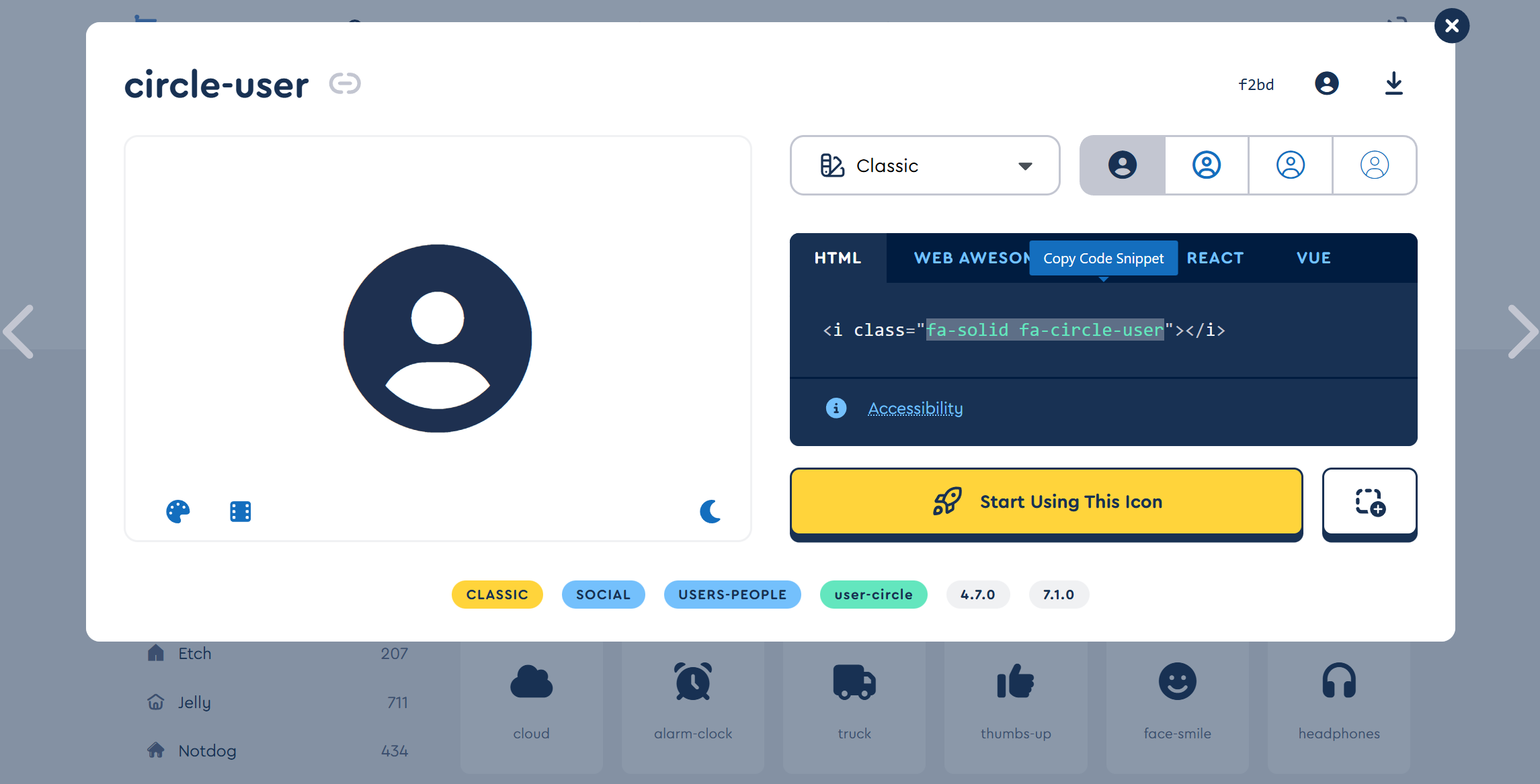
For fa-brands icons, enter the icon name directly. For other FontAwesome icons, use the full class name.
FontAwesome icon name lookup: open the link https://fontawesome.com/search, as shown in the figure below. Select an icon, click to open it, and copy the content inside the class=" " quotation marks.
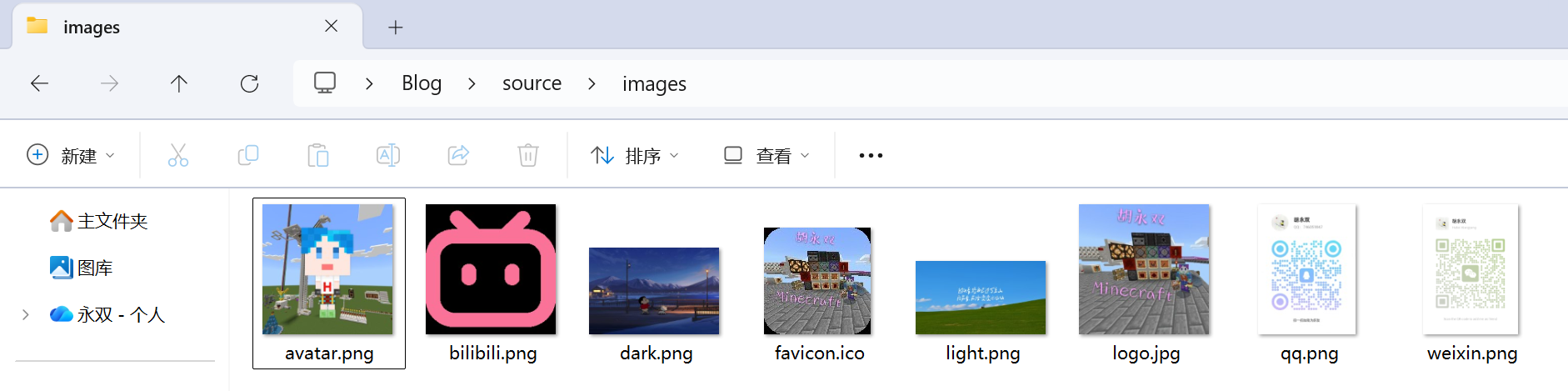
Add the following files to the /source/images folder:
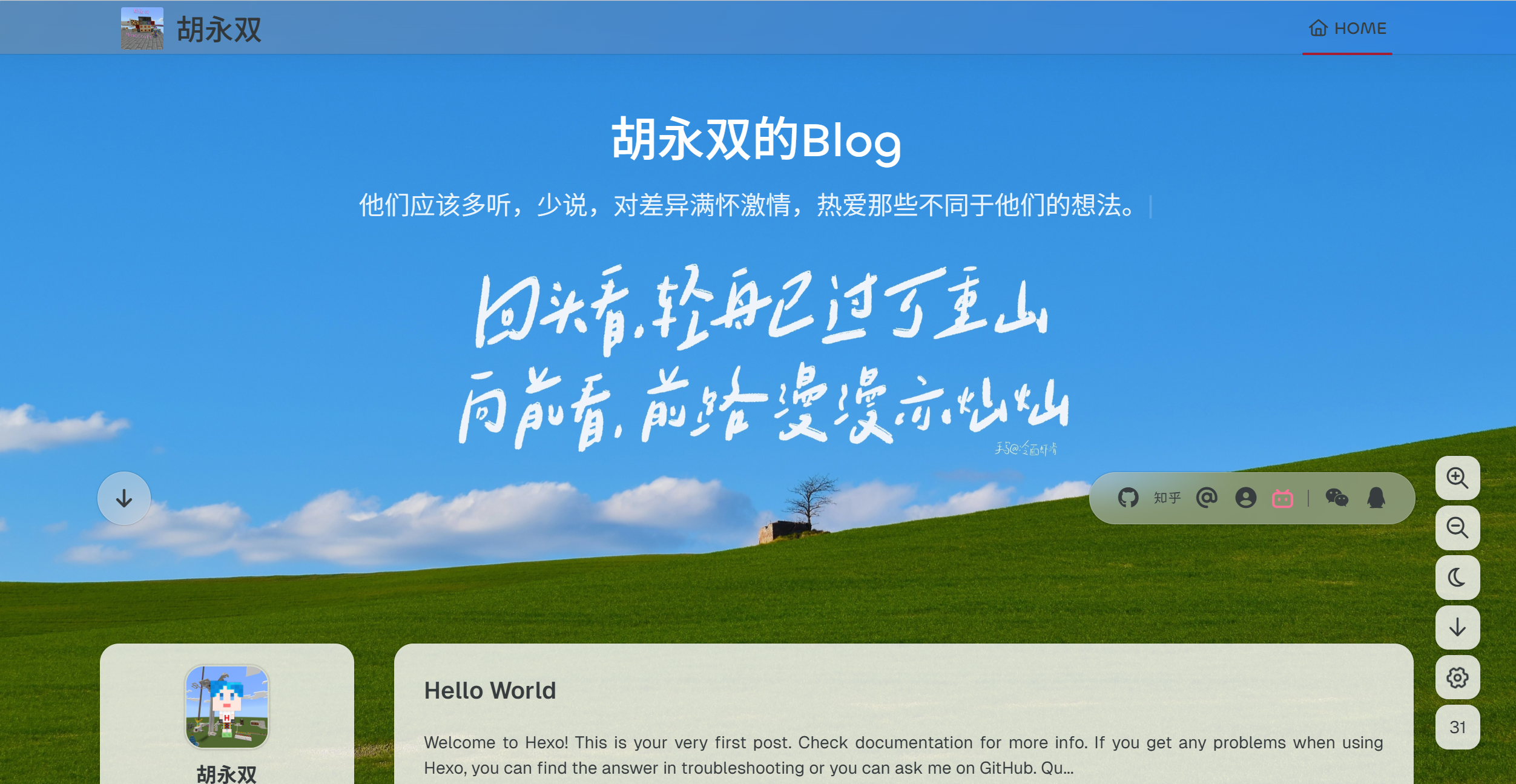
Preview effect:
3. Navigation Bar and Sidebar ⚓︎

The following is a sample configuration file:

1
2
3
4
5
6
7
8
9
10
11
12
13
14
15
16
17
18
19
20
21
22
23
24
25
26
27
28
29
30
31
32
33
34
35
36
37
38
39
40
41
42
43
44
45
46
47
48
49
50
51
52
53
54
55
56
57
58
59
60
61
62
63
64
65
66
67
68
69
70
71
72
73
74
75
76
77
78
79
80
81
82
# Navigation Bar
# Docs: https://redefine-docs.ohevan.com/home/navbar
navbar:
# Auto-hide navigation bar
auto_hide: false
# Navigation bar background color
color:
left: "#f78736" # Left side
right: "#367df7" # Right side
transparency: 35 # Transparency (10-99)
# Navigation bar width (usually no need to modify)
width:
home: 1200px # Homepage
pages: 1000px # Other pages
# Navigation bar links
links:
Archives:
path: /archives
icon: fa-regular fa-archive
Categories:
path: /categories
icon: fa-regular fa-chart-bar
Tags:
path: /tags
icon: fa-regular fa-align-center
About:
icon: fa-regular fa-user
submenus:
About Me: /about
Github: https://github.com/huyongshuang
Blog: https://huyongshuang.github.io
Friends: /friends
Links:
icon: fa-regular fa-link
submenus:
Link 1: /link1
Link 2: /link2
Link 3: /link3
# ...... # You can add more
# Navigation bar search (local search). Requires hexo-generator-searchdb (npm i hexo-generator-searchdb). See: https://github.com/theme-next/hexo-generator-searchdb
search:
# Enable
enable: true
# Preload search data on page load
preload: true

# Homepage Articles
# Docs: https://redefine-docs.ohevan.com/home/home
home:
# Sidebar settings
sidebar:
enable: true # Enable sidebar
position: left # Sidebar position. left, right
first_item: menu # Sidebar display order, the first item of the sidebar. menu, info
announcement: This is Hu Yongshuang's Blog # Announcement text
show_on_mobile: true # Show sidebar navigation in mobile menu
links:
Home: # First-level menu name
path: / # URL, can be relative or absolute path
icon: fa-regular fa-house # FontAwesome icon name (optional)
Archives: # Display name
path: /archives # Path
icon: fa-regular fa-archive # Icon, can be empty
Categories: # Display name
path: /categories # Path
icon: fa-regular fa-folder # Icon, can be empty
Tags: # Display name
path: /tags # Path
icon: fa-regular fa-tags # Icon, can be empty
# ...... # You can add more
# Article date format
article_date_format: auto # auto, relative, YYYY-MM-DD, YYYY-MM-DD HH:mm:ss etc.
# Custom excerpt length
excerpt_length: 200 # Maximum length of article excerpt
# Category visibility
categories:
enable: true # Enable
limit: 3 # Maximum number of categories to display
# Tag visibility
tags:
enable: true # Enable
limit: 3 # Maximum number of tags to display

Except for /archives which is created automatically, the rest (/categories, /tags, /about, etc.) need to be created manually. Creation commands:

1
2
3
hexo new page categories
hexo new page tags
hexo new page about

In the figure below, “Home” is displayed in English. You can modify the language setting in the Hexo configuration file _config.yml to language: zh-CN. After modifying the configuration, the English navigation bar names you set will be translated into Chinese.
Preview effect:
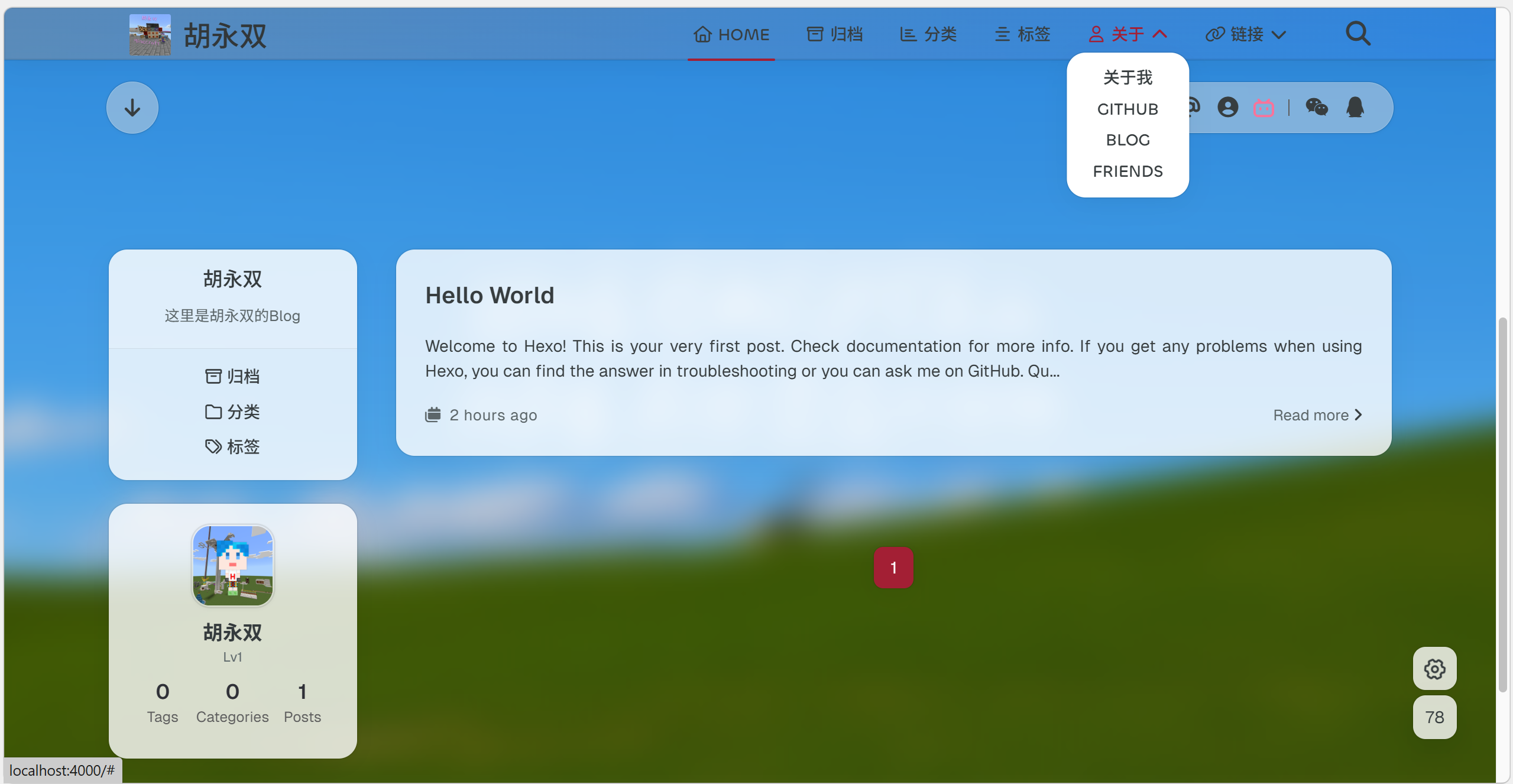
Only the above three theme configurations are introduced here. For more settings, please refer to the theme’s official documentation.

III. Plugins ⚓︎

Plugins mentioned in the Redefine theme official documentation:

Installation commands:

1
2
3
4
5
6
7
8
9
10
11
12
# Navigation bar search
npm install hexo-generator-searchdb --save
# RSS / Atom feed
npm install hexo-generator-feed --save
# Mermaid JS diagrams
npm install hexo-filter-mermaid-diagrams
# MathJax math formulas
npm install hexo-filter-mathjax
# Asset minification
npm install hexo-all-minifier
# Word count
npm install hexo-wordcount